Marketo Essentials: Key Concepts for Daily Marketo Use
As you move beyond understanding individual Marketo features like campaigns, forms, segmentation, and reporting, the next challenge is using the platform efficiently every day. Marketo Essentials focuses on the core concepts that marketers interact with regularly while building, managing, and optimizing campaigns.
This page acts as a practical layer within Marketo Pedia. Instead of explaining what Marketo is, it explains how it works in real usage. From commonly used terms and smart campaign logic to quick references that save time, these essentials help reduce confusion and improve accuracy inside the platform.
Daily Marketo work often involves small but critical decisions – choosing the right filter, setting the correct trigger, or reusing logic safely across campaigns. When these basics are not clearly understood, even well-planned strategies can lead to errors, delays, or data inconsistencies. This is why many teams rely on structured documentation or Marketo consulting services to validate their approach and ensure their day-to-day usage follows best practices.
Related Resources

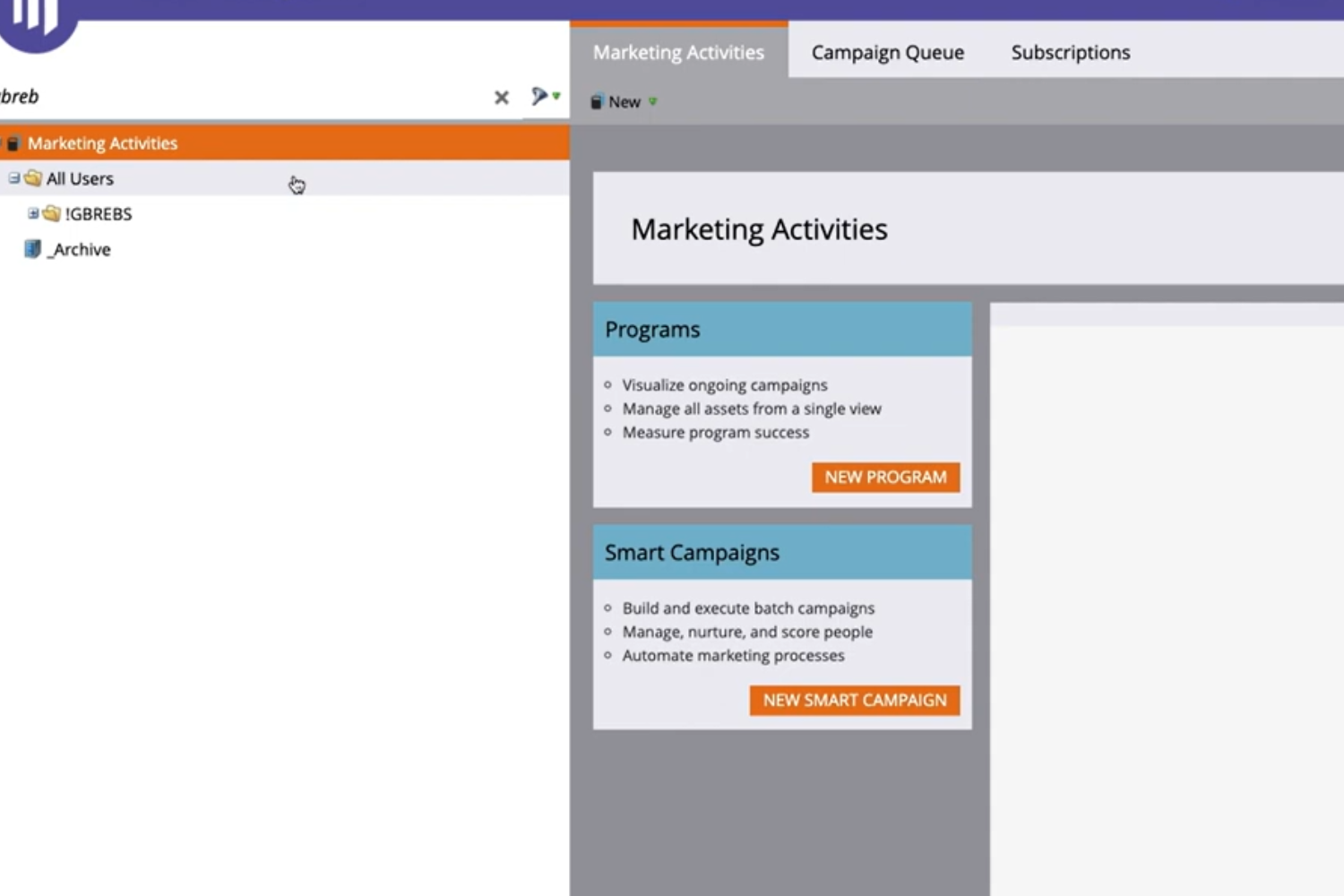
Marketo Essentials is designed to make the platform feel more predictable and manageable. By understanding these key concepts, users can work faster, troubleshoot with confidence, and build campaigns that scale cleanly as marketing operations grow.
Daily Marketo Usage
Once Marketo is fully set up, most work happens at the operational level. This includes configuring smart campaigns, managing logic across programs, and ensuring lead data moves accurately through the system. At this stage, efficiency depends on understanding how Marketo behaves during everyday use.
Daily decisions inside Marketo such as selecting the right filters, applying triggers correctly, or reusing campaign logic directly affect performance and data quality. Small configuration errors can quickly scale into larger operational issues if the fundamentals are not clearly understood.
Marketo is designed to support complex automation, but that flexibility requires consistency and precision. Many teams document internal standards or work with Marketo consulting services to review workflows, clean up logic, and maintain reliable execution as campaign volume grows.
Key Takeaways for Daily Marketo Operations:
- Practical meaning of core Marketo terminology used across campaigns
- Correct application of filters and triggers in real execution scenarios
- Safe usage of scripts and shortcuts to improve productivity
- Methods to standardize campaign logic across teams
- Ways to improve speed and accuracy in ongoing Marketo execution
Marketo Essentials serves as a practical reference for daily execution. It focuses on the concepts marketers interact with most, helping teams work more efficiently while maintaining control as Marketo usage scales.
Core Concepts
Everything you do inside Marketo is driven by a small set of foundational concepts. These elements work together to control how campaigns run, how data moves, and how results are tracked. A clear understanding of these basics helps teams avoid setup errors and work more confidently at scale.
- Contacts - Each record in Marketo represents an individual and stores profile data, activity history, scores, and lifecycle status. How these records are maintained directly impacts targeting, automation accuracy, and reporting.
- Campaign Structure - Marketing initiatives are organized into structured units that group assets, logic, and performance tracking. A clean structure makes campaigns easier to manage and prevents reporting issues as volume grows.
- Automation Rules - Marketo automation runs on defined conditions and actions. Clear rule design ensures campaigns respond correctly to behavior without triggering duplicate or unintended actions.
- Reusable Assets - Emails, forms, landing pages, tokens, and snippets are often shared across campaigns. Managing them intentionally saves time and keeps messaging consistent.
- Scalability Controls - Marketo supports separation of data and access for larger teams and regions. These setups are commonly planned with Marketo consulting services to maintain governance while allowing flexibility.
Interface Overview
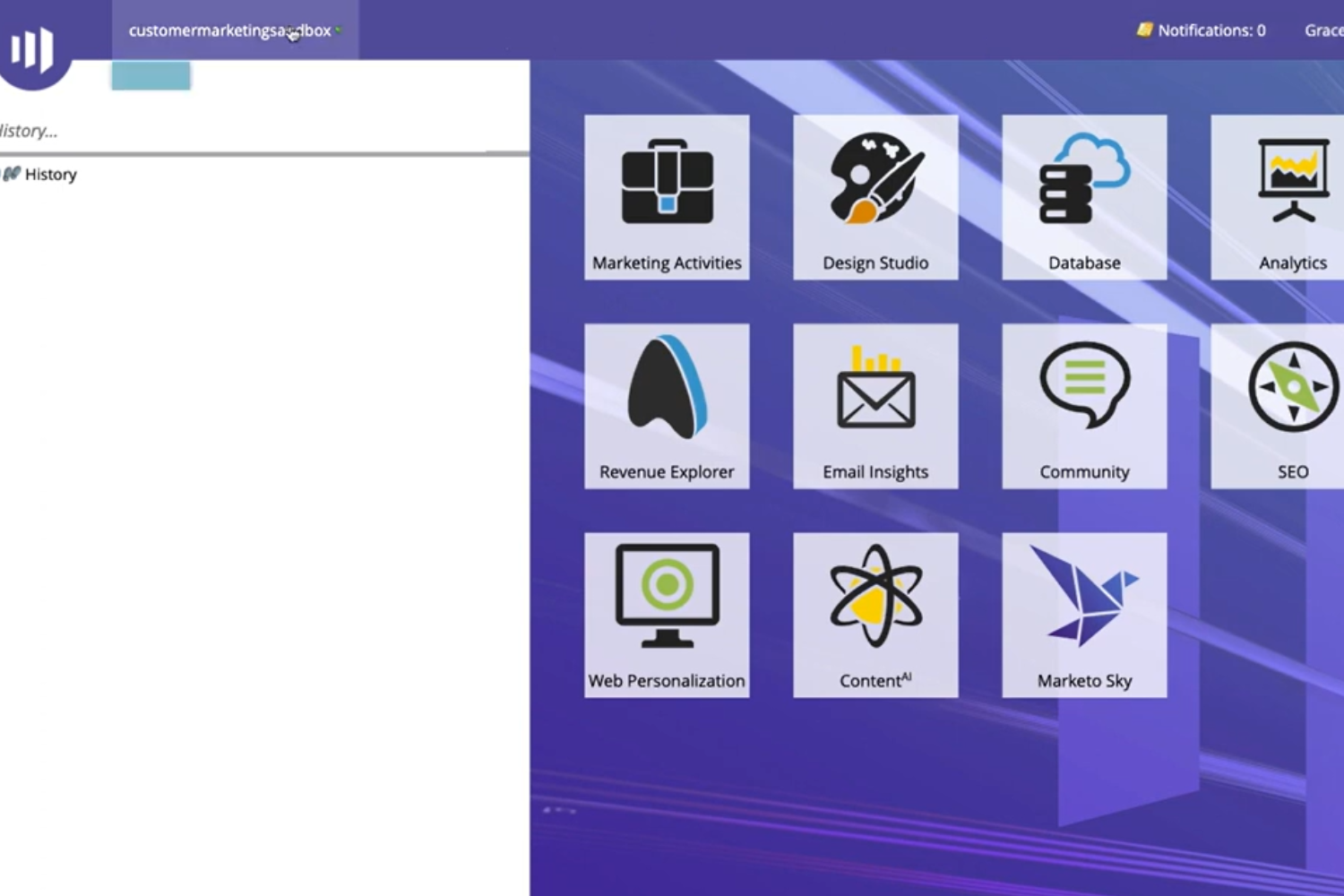
Once these concepts are understood, navigating Marketo becomes straightforward. The platform is divided into functional areas that support daily execution, optimization, and system management.
- Campaigns - The main workspace where programs are built, automation is configured, and schedules are managed.
- Assets - A shared library for templates, images, forms, and reusable components that support faster campaign creation.
- Leads - Used to view, filter, and segment contact data for targeting, validation, and troubleshooting.
- Reports - Dashboards and reports that track engagement, program performance, and attribution.
- Settings - Controls for users, integrations, data rules, and system-wide configurations that affect the entire Marketo instance.

Applying Marketo Essentials
Marketo Essentials is about how the platform is used in real, day-to-day execution. At this stage, the focus shifts to applying core concepts terminology, smart campaign logic, scripts, and shortcuts in a consistent and predictable way across campaigns.
Teams that apply these essentials well tend to spend less time troubleshooting and more time executing. This usually starts with reviewing how filters and triggers are used, reducing duplicated logic, and standardizing commonly repeated campaign elements. Many organizations rely on internal documentation or Marketo consulting services at this point to validate usage patterns and ensure their everyday Marketo work remains scalable.
What applying the essentials improves:
18%
Reduction in time spent fixing or reworking campaign logic
2x
Higher efficiency when smart campaign rules are applied consistently
92%
Improved confidence in campaign accuracy and data behavior
Trying to Make Marketo Work Better for Your Team?
Once Marketo becomes part of daily marketing work, it often raises new questions. Not about features but about efficiency. Teams start wondering why some campaigns take longer to launch, why automation feels harder to manage, or why reporting doesn’t always match expectations. The questions below reflect what teams commonly think about when they want Marketo to run smoother, scale better, and stay manageable over time.
1.
Why does Marketo feel more complex over time?
As more campaigns, automations, and integrations are added, logic layers build up quickly. What started as a clean setup can become harder to follow. This is where teams often look for Marketo consulting services to simplify workflows and restore clarity without disrupting active campaigns.
2.
How can teams avoid mistakes in automation logic?
Most automation issues come from reused or poorly documented logic. Reviewing filters, triggers, and flow steps regularly helps. Many teams rely on Marketo consulting services to audit automation and define clear standards everyone can follow.
3.
What usually causes delays in campaign launches?
Delays are often tied to inconsistent program structures, asset duplication, or last-minute fixes. Streamlining templates and logic patterns sometimes with help from Marketo consulting services can significantly reduce build time.
4.
Why do reports sometimes show unexpected results?
Reporting issues usually trace back to how campaigns and channels were set up. Small configuration gaps can affect attribution and performance data. Marketo consulting services are commonly used to align execution with reporting expectations.
5.
Can Marketo still scale if internal resources are limited?
Yes, but only if usage stays disciplined. Clear processes and clean automation are key. Many teams supplement internal efforts with Marketo consulting services to maintain quality while increasing output.
6.
How do integrations impact everyday Marketo work?
Integrations influence how data syncs, updates, and triggers automation. When integrations aren’t reviewed regularly, issues can quietly build up. Marketo consulting services often help teams stabilize and optimize these connections.
7.
How do teams know it’s time to improve how Marketo is managed?
When teams spend more time fixing issues than launching campaigns, that’s usually the signal. At this point, Marketo consulting services are often brought in to reset workflows and improve day-to-day efficiency.